BrowserQL IDE
The BrowserQL IDE is a browser-based editor for writing, testing, and running BQL queries against the Browserless API. It includes built-in schema documentation, query history, multi-language code export, and keyboard shortcuts.
- A Browserless API token from your account dashboard
Global Settings
In the Global Settings tab, you can define the following settings:
- BrowserQL Endpoint: Choose between one of the available BQL Endpoints.
- API Token: Your API token goes here. This value is required to successfully execute your queries.
- Persist Headers: Choose whether to save the custom HTTP request headers from the Headers panel to your browser's local storage between page reloads. Your browser always saves the API token and endpoint separately, regardless of this setting. Only enable this on a device you trust.
- Show Results: Choose between automatically showing the results after executing a query or not.
- Theme: Adjust how the interface looks, between light or dark mode.
- Wait before close: Set how long the browser session stays open after a query finishes. Options are
10s,30s,60s, and5m. Use this when you need to inspect the browser state or observe a page mid-automation after execution completes. - Clear storage: Remove all locally stored data and start fresh.
Built-in Documentation
The BrowserQL Editor includes complete documentation of all available mutations, responses, and schemas. You can access it in the top-left corner of the IDE window. Navigate through mutations and schemas by clicking in each one, and use the search input at the top to find the desired information.
Each mutation in the Built-in Documentation presents a working example code to show you how the mutation works. Copy it, and try the query out to see what each BQL mutation can do.
Export Query as Code
The Export Query as Code feature turns any of your queries into code in your preferred language. This ensures your query has the exact same settings and configurations as what you run in the BQL IDE, avoiding mismatches between environments. Open this option in the sidebar next to the code tab, or use the Ctrl+Shift+E / Cmd+Shift+E shortcut.
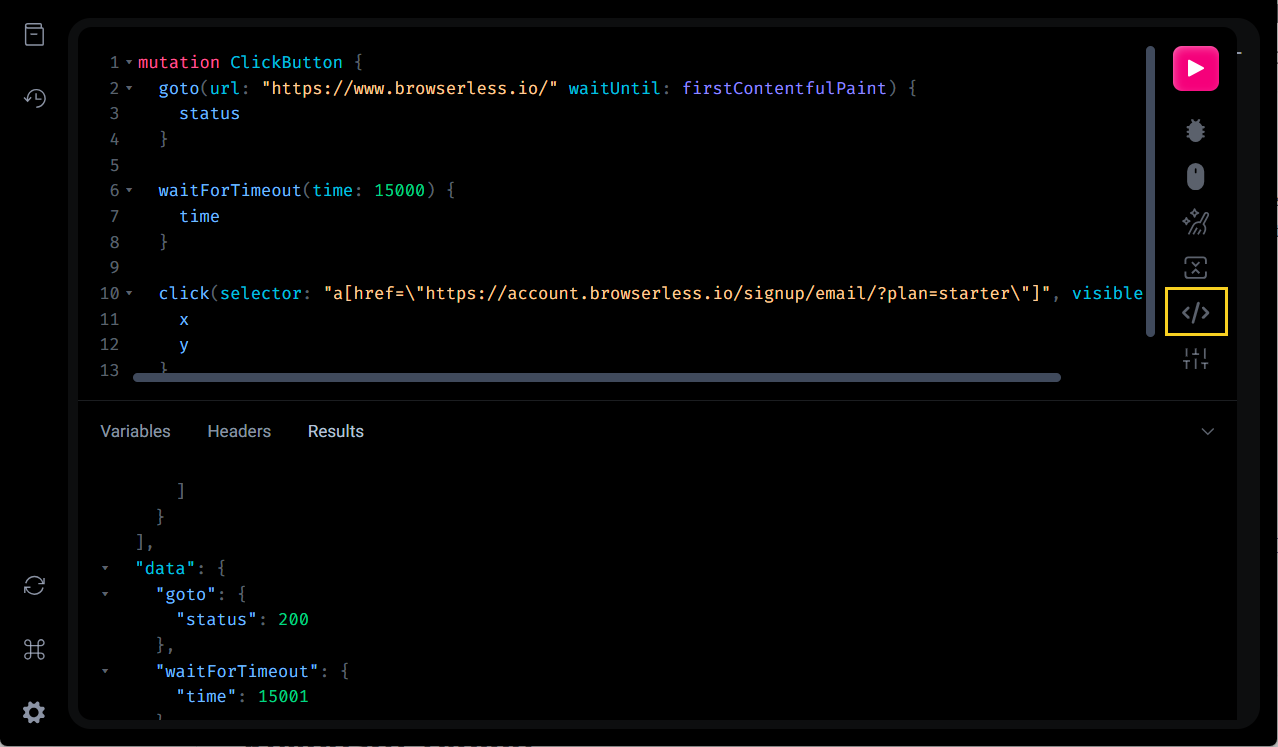
The list below shows the available languages you can export your queries:
 cURL
cURL JS (fetch)JS (axios)
 Python
 Go
Go Java
Java PHP
PHP Ruby
RubyHistory
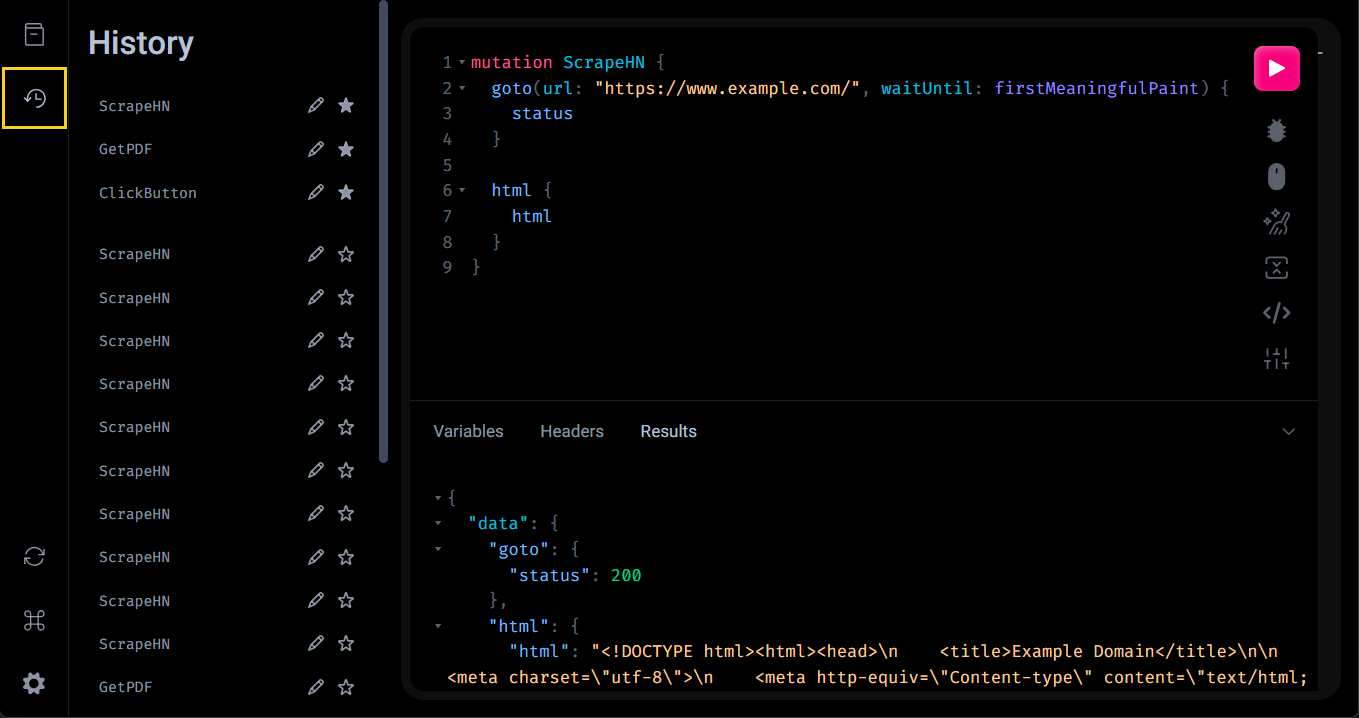
Right below the documentation, there is a history of every query you executed. Open it by clicking it, and you can retrieve any query you created. You can also save as favorite, and rename a query in the history tab.
Your browser stores query history in localStorage, so it persists across sessions. Closing and reopening the browser does not erase it. To wipe all history, use Clear storage in Global Settings. From the history panel, star a query to save it as a favorite, or double-click a name to rename it.
Keyboard Shortcuts
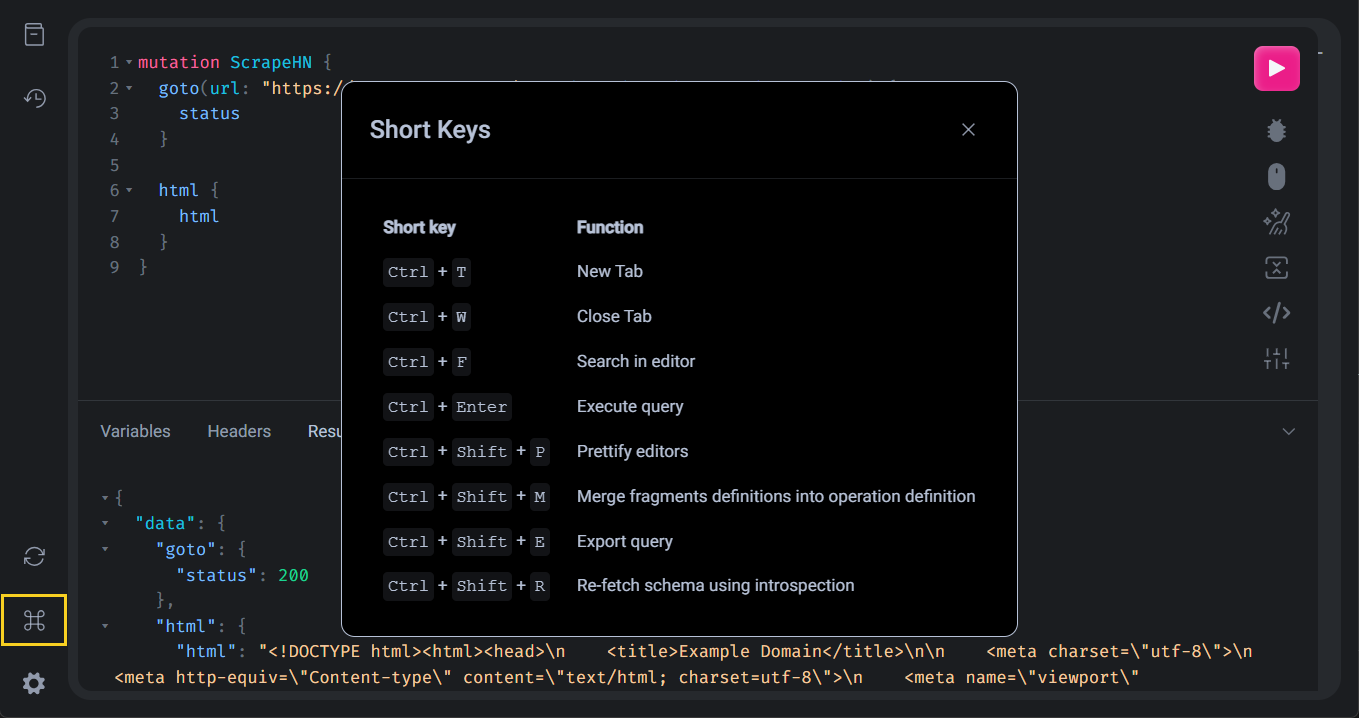
The BrowserQL IDE supports keyboard shortcuts for common actions. Open the Keyboard Shortcuts panel in the IDE to see the full list, or refer to the table below.
| Shortcut | Action |
|---|---|
| Ctrl + Enter / Cmd + Enter | Execute query |
| Ctrl + F / Cmd + F | Search in editor |
| Ctrl + Shift + E / Cmd + Shift + E | Export query |
| Ctrl + Shift + M | Merge fragment definitions into operation |
| Ctrl + Shift + R | Re-fetch schema using introspection |
| Alt + Shift + P | Prettify editors |
| Alt + T | New Tab |
| Alt + W | Close Tab |
FAQ & Troubleshooting
The IDE isn't loading or shows a blank page
Clear your browser cache and reload. The IDE requires a modern browser with JavaScript enabled. Disable browser extensions that block scripts if the editor fails to render.
My query runs in the IDE but fails via API
The IDE may have session settings (proxy, stealth, viewport) applied that aren't included in your API call. Check your IDE session settings and include them as launch parameters in your HTTP request.